
Lovable to Production
In just a few prompts, you can build a full-stack app, connect a database, add authentication, and deploy it to a live URL using Lovable's Welcome documentation. But deploying an application isn't the same as making it production-ready. While Lovable provides a streamlined publishing workflow and built-in deployment features, going live is only one step in the journey.
Before real users, sensitive data, or business-critical workflows enter the picture, there are several areas that should be reviewed, strengthened, or rebuilt. In this guide, we'll walk through Lovable's strengths, its limitations, the security considerations you shouldn't overlook, and a practical checklist to help you launch with confidence.
What Lovable does well
Lovable has quickly become one of the most accessible AI development platforms for turning ideas into working applications. Rather than starting with a blank project, users can describe what they want in plain English and generate a full-stack application complete with a user interface, backend logic, database integration, and authentication. Lovable is designed to help founders, product teams, and developers move from concept to working software in a fraction of the time required by traditional development.
Lovable Pros
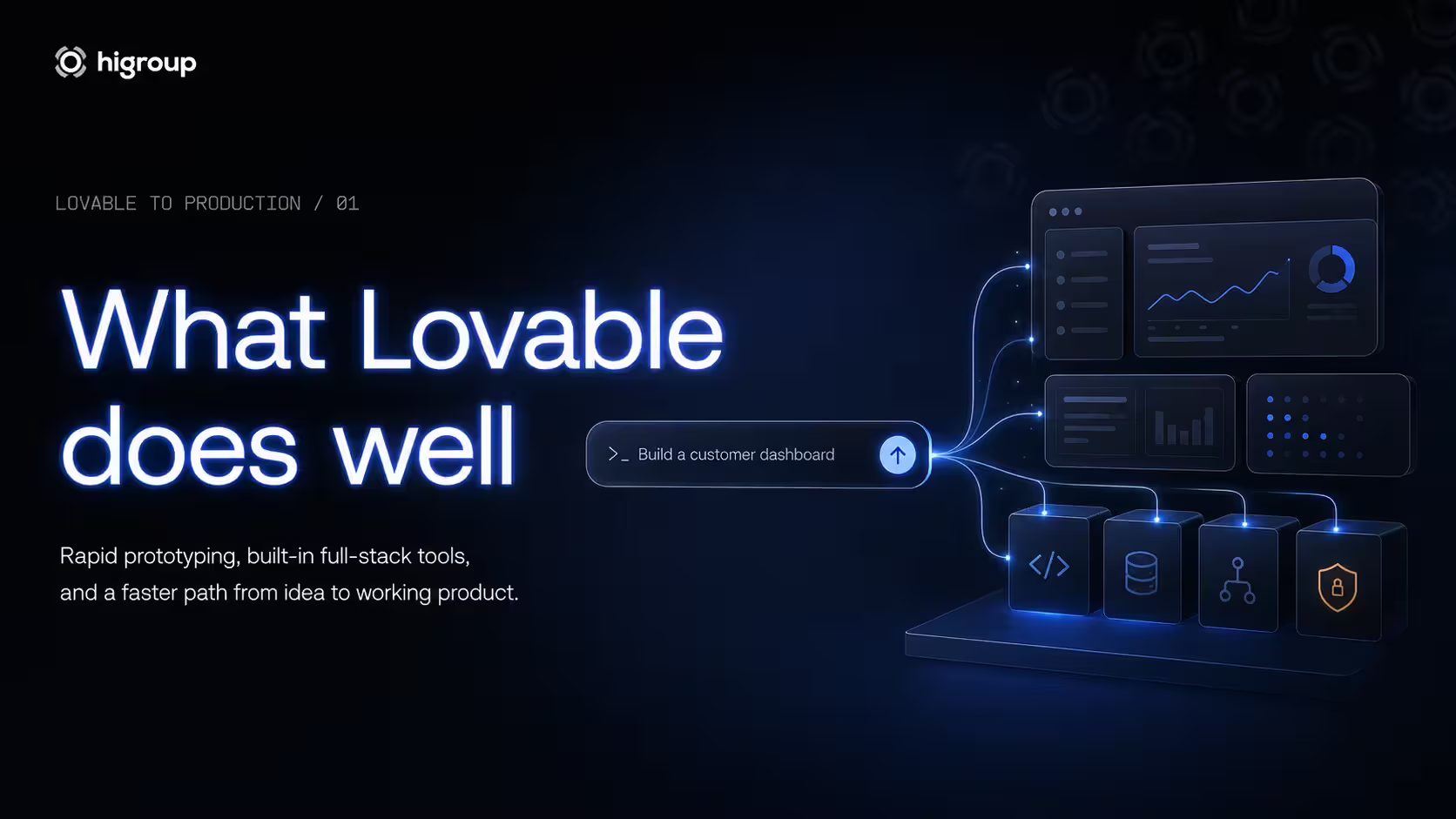
One of Lovable's greatest strengths is rapid prototyping. Instead of spending weeks building a proof of concept, teams can validate ideas within hours, gather user feedback, and iterate quickly. This makes it particularly valuable during the early stages of product development, where learning fast is often more important than building every feature perfectly.
This is also where a structured Design & Discovery process becomes valuable. Once product requirements have been defined and the core user journey is clear, Lovable dramatically accelerates the transition from validated concept to interactive prototype, allowing teams to test assumptions before investing in full-scale engineering.
Beyond rapid prototyping, Lovable also offers an impressive set of built-in capabilities. It integrates natively with Supabase for databases and authentication, generates both frontend and backend code, supports collaborative editing, and offers a streamlined publishing workflow that allows applications to be deployed in just a few clicks.
Security is another area where Lovable stands out. Its Security Center helps developers identify common issues such as exposed secrets and Row Level Security (RLS) misconfigurations before deployment, making secure development more accessible during the prototyping phase. These safeguards significantly reduce the risk of common mistakes during rapid development.
Perhaps most importantly, Lovable positions itself as a platform that works alongside engineering teams rather than replacing them. Its prototype-to-production guidance emphasizes helping teams validate ideas faster while creating a smoother handoff when it's time to prepare an application for production.
Ultimately, this balanced approach is what makes Lovable particularly effective for early-stage product development. It enables founders to move faster without losing sight of the engineering work required to transform a promising prototype into a secure, scalable product.
Lovable limitations
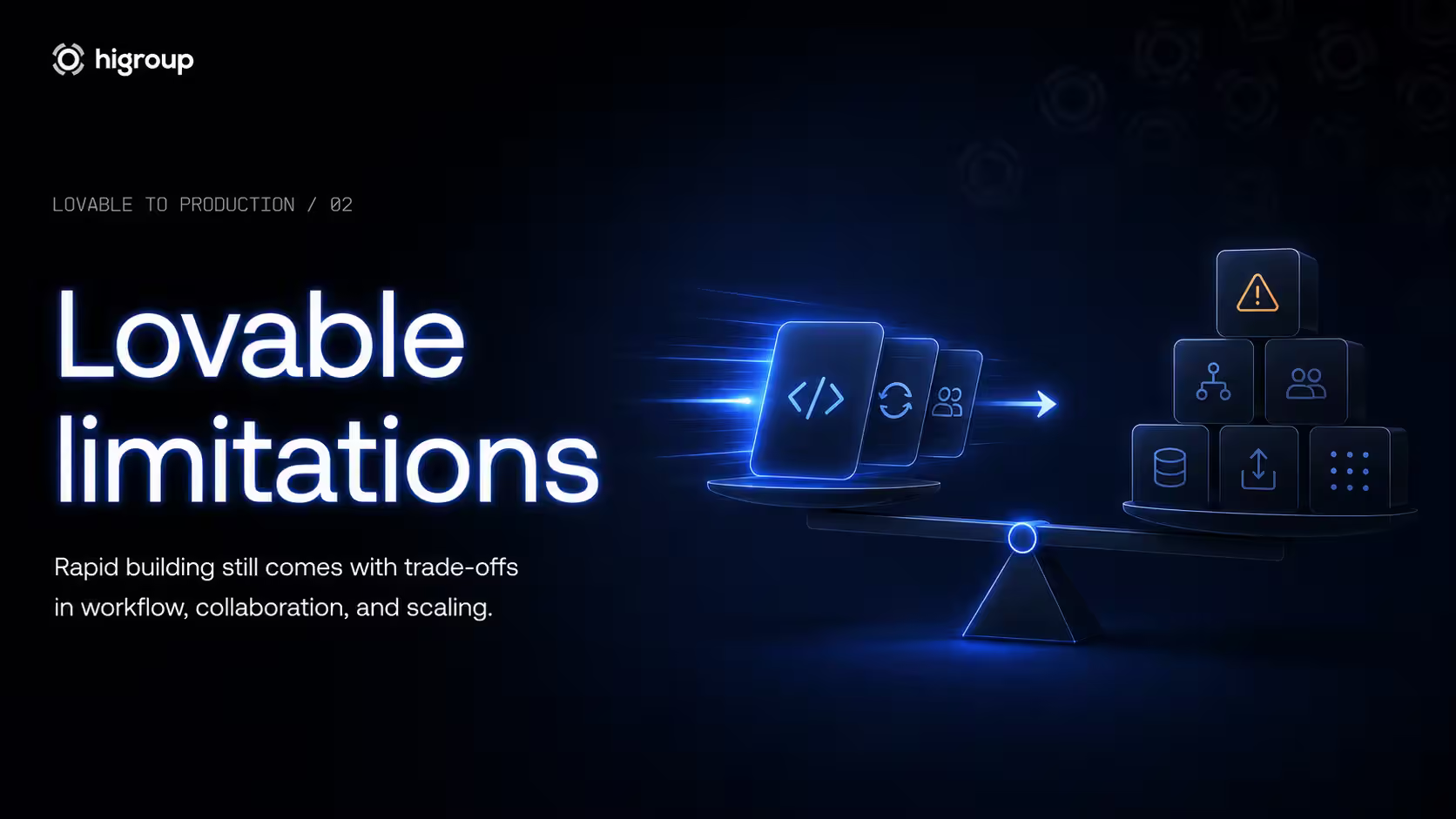
Lovable dramatically accelerates the journey from idea to working software, but like any development platform, it has practical limitations that become more apparent as projects grow. Most of these aren't flaws in the platform itself. They're trade-offs that favour speed and accessibility during the early stages of product development. Understanding where those boundaries lie helps founders decide when it's time to complement Lovable with additional engineering practices.
Lovable Cons
Code ownership and export
One of the first questions founders ask is whether they actually own the application they've built. Fortunately, Lovable gives users full ownership of both their code and their data, making it possible to continue development outside the platform whenever needed. Projects can be synchronized through Lovable's GitHub integration, downloaded locally, or hosted on your own infrastructure, so there is no vendor lock-in. Lovable's approach to deployment, hosting, and ownership means you're free to work with another development team at any stage.
The exported application uses a standard React and Vite structure that most developers will immediately recognise. Before long-term development begins, it's still good practice to review the project structure, improve documentation where necessary, and establish coding conventions that will make future collaboration easier.
GitHub sync and collaboration
Lovable's GitHub integration makes it easy to move from AI-assisted development to a more traditional engineering workflow. Developers can continue working in their preferred IDE, create branches, review pull requests, and manage changes using familiar Git workflows while keeping the project synchronized with Lovable.
There are a few practical limitations to consider. A project can only be connected to a single GitHub repository at a time, and existing repositories can't currently be imported into Lovable. These limitations won't affect every team, but they're worth understanding before deciding how your team will collaborate as development grows. These behaviours are also covered in Lovable's FAQ.
Project management considerations
Managing a prototype is very different from managing a growing product. As applications become larger and teams iterate more frequently, operational considerations such as workspace administration, monthly credits, and contributor management naturally become more important.
Lovable's Workspace Admin Settings provide tools for managing permissions, monitoring usage, and administering collaborative workspaces. For most early-stage projects these limits remain largely invisible, but teams building larger products should expect workspace management and credit usage to become part of their day-to-day operations.
Preview environments aren't the same as staging
Lovable makes it easy to preview changes before deployment, allowing founders to validate ideas quickly and gather feedback throughout development. Those preview environments, however, serve a different purpose than a dedicated staging environment.
As products mature, teams typically introduce staging environments that support structured quality assurance, deployment approvals, integration testing, and release validation before new versions reach production. Those workflows are usually implemented through external CI/CD pipelines while Lovable continues to support rapid iteration through its publishing workflow and GitHub integration.
What still requires engineering
Lovable removes much of the friction involved in building and validating an application, but it isn't designed to replace software engineering. Once a product is ready to move beyond validation, teams still need to make decisions around architecture, automated testing, deployment pipelines, monitoring, infrastructure, performance, and long-term maintenance.
Rather than rebuilding what Lovable generated, engineering teams typically build on the existing application by introducing the practices needed to support production. Lovable's guidance on deployment and ownership and its publishing workflow reflect this transition from rapid validation to long-term product development.
Is Lovable production ready?
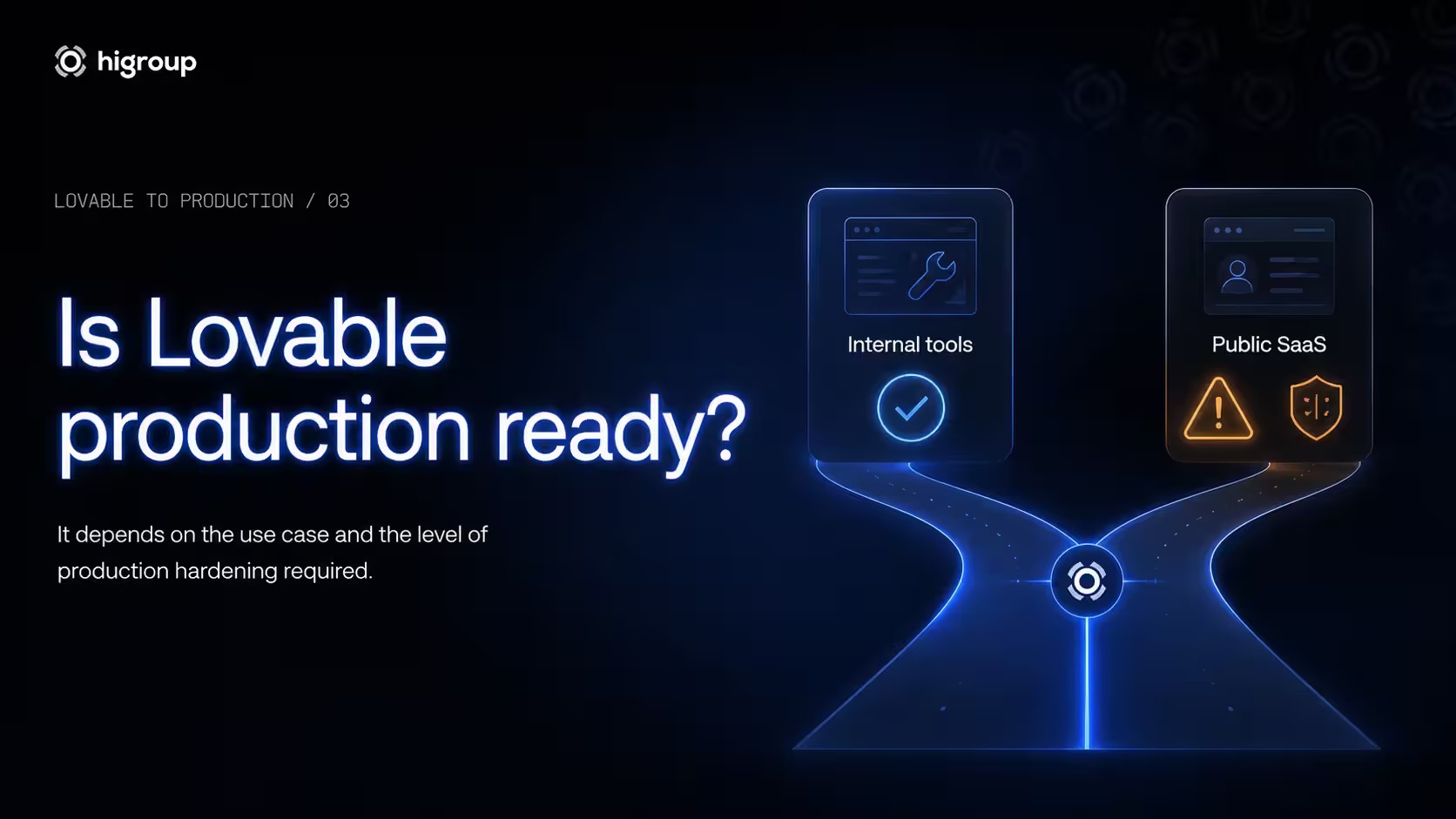
Yes, for some applications. No, for others. Lovable is production ready for simple internal tools and low-risk applications. However, customer-facing products that handle authentication, payments, sensitive data, or business-critical workflows require additional engineering, security, and operational improvements before they are ready for production. While Lovable simplifies deployment and provides several security capabilities, launching a production-grade application involves much more than deploying code through its Publishing workflow.
Is Lovable ready?
The answer depends less on the platform itself than on the type of application you're building. Internal tools with a small number of trusted users typically have fewer security, compliance, and scalability requirements than public-facing SaaS platforms. As user expectations and business risks increase, so do the engineering standards required to support them.
The table below provides a simple way to evaluate whether a Lovable application is likely to be production ready or whether additional work should be planned before launch.
Use case | Production ready? |
|---|---|
Internal tool | Yes |
Internal dashboard | Yes |
Early MVP for limited users | Usually requires additional review |
Customer-facing SaaS | Requires production hardening |
Healthcare application | Not without significant compliance and security work |
Fintech application | Not without extensive security, compliance, and infrastructure controls |
Need help taking your Lovable app to production?
If your application falls into one of the categories that requires additional engineering before launch, our AI Prototype to MVP service helps transform AI-generated prototypes into secure, scalable products. Rather than rebuilding from scratch, we strengthen the existing application by improving architecture, security, infrastructure, and deployment workflows.
Its built-in security capabilities help teams identify potential security issues early in the development process, providing a valuable starting point before production hardening begins. Like any automated tooling, however, it complements rather than replaces secure software engineering practices.
Similarly, applications built on Supabase benefit from a strong security foundation, including authentication, Row Level Security (RLS), and other recommended best practices. Even with a strong base, security still depends on proper configuration, ongoing maintenance, and operational processes recommended in the Supabase Security guide.
A better way to think about Lovable is as an accelerator rather than a shortcut. It dramatically reduces the time needed to build and validate an application, but production readiness is achieved through thoughtful engineering, rigorous testing, and continuous operational improvements after the initial build is complete.
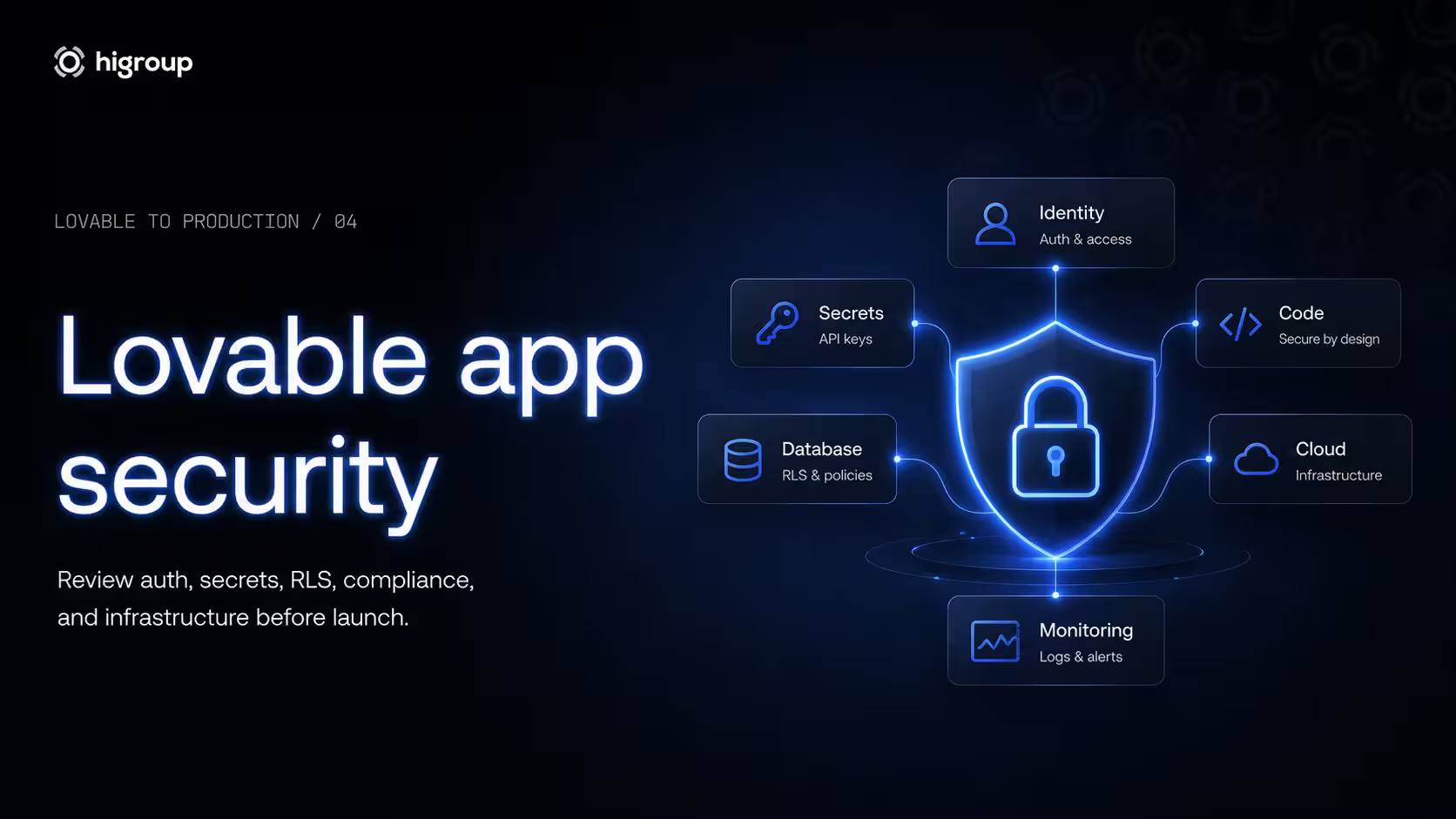
Lovable app security
Moving an application into production also changes its security requirements. As applications begin handling real users, authentication, personal data, and business-critical operations, the consequences of security mistakes increase significantly.
Lovable already incorporates several security-focused capabilities through its Security Center, helping developers identify common issues before deployment. This makes secure development more accessible, particularly for founders and small teams, while recognising that automated checks are only one part of a secure production workflow.
Security
However, automated tooling is only one layer of application security. Before launching to production, every application should undergo a human review covering authentication, authorization, infrastructure, sensitive data handling, compliance requirements, and operational security. Security isn't something you "add" before launch. It must be verified continuously as your product evolves.
Authentication
Authentication is often the first security feature users interact with, making it one of the most important areas to review before launch. While Lovable integrates seamlessly with Supabase Auth, configuring authentication correctly remains the responsibility of the development team.
The Supabase Auth documentation recommends selecting the appropriate authentication methods for your users, implementing secure session management, and carefully controlling user permissions. Simply allowing users to sign in isn't enough, your application must also ensure they can only access the resources they're authorized to use.
Authentication should also be considered alongside broader application security principles. The OWASP Top 10 consistently identifies broken authentication and access control among the most critical security risks facing modern applications. Before going live, review user roles, password policies (where applicable), multi-factor authentication requirements, session expiration, and account recovery processes to reduce the risk of unauthorized access.
Exposed API keys
One of the most common mistakes in AI-generated and modern web applications is exposing sensitive credentials directly in client-side code. API keys, database credentials, and service tokens should never be accessible from the browser unless they are explicitly intended to be public.
Built-in secret detection helps identify exposed credentials during development, providing an additional safeguard before deployment. These checks are valuable, but they should complement sound engineering practices, not replace them.
When server-side logic requires confidential credentials, the Supabase Edge Functions documentation recommends keeping sensitive operations on the server and managing secrets through dedicated environment variables using Supabase Secrets.
The OWASP API Security Project likewise highlights improper secrets management as a recurring source of API vulnerabilities. Before launching, verify that all confidential keys remain outside the frontend and are managed securely throughout your deployment pipeline.
Database security
Securing an application doesn't stop at authentication. Even if users can only log in with valid credentials, they should only be able to access the specific data they're authorized to view or modify.
Row Level Security (RLS) allows security policies to restrict access to individual database rows based on the authenticated user. Properly configured RLS policies provide an essential layer of protection for multi-user applications.
Built-in analysis of Row Level Security (RLS) configurations helps developers identify potential weaknesses before deployment. Even so, automated checks cannot determine whether your authorization rules accurately reflect your business logic.
The Supabase Security guide also recommends applying the principle of least privilege throughout your database architecture. Every role, service account, and application component should have only the permissions required to perform its function. Regularly reviewing database permissions before each production release can significantly reduce the impact of configuration errors or compromised accounts.
GDPR / HIPAA considerations
As soon as an application collects personal information, compliance becomes part of the production-readiness conversation. The exact requirements depend on your users, your industry, and the jurisdictions in which you operate.
For applications serving European users, the European Commission's GDPR guidance outlines the obligations surrounding personal data processing, including transparency, lawful processing, user rights, and appropriate technical and organisational safeguards. Compliance extends far beyond encryption or secure authentication, it also affects how data is collected, stored, accessed, and deleted.
Healthcare applications introduce additional responsibilities. In the United States, the Department of Health & Human Services (HHS) HIPAA guidance establishes strict requirements for protecting protected health information (PHI). Meeting these obligations typically involves access controls, audit logging, encryption, documented security policies, and administrative safeguards.
For teams using Supabase, the Supabase HIPAA documentation explains the platform's HIPAA offering and the shared responsibility model. Infrastructure can support compliance, but compliance itself ultimately depends on how the application is designed, configured, and operated.
Handling sensitive data
Applications should always collect and retain the minimum amount of sensitive information required to deliver their intended functionality. Reducing the amount of personal or confidential data you store also reduces the potential impact of a security incident.
The OWASP Top 10 encourages secure data handling practices throughout the entire application lifecycle, from input validation and storage to access control and monitoring. Likewise, the Supabase Security guide recommends combining authentication, authorization, encryption, and careful configuration to protect sensitive information effectively.
Protecting live environments, managing secrets, configuring infrastructure correctly, and maintaining reliable deployment pipelines become essential operational responsibilities. This is where a well-designed Cloud & DevOps strategy plays a critical role. Combined with regular human reviews and secure infrastructure practices, it provides the foundation needed to turn a rapidly built prototype into a secure, resilient application that users can trust.
Production launch checklist
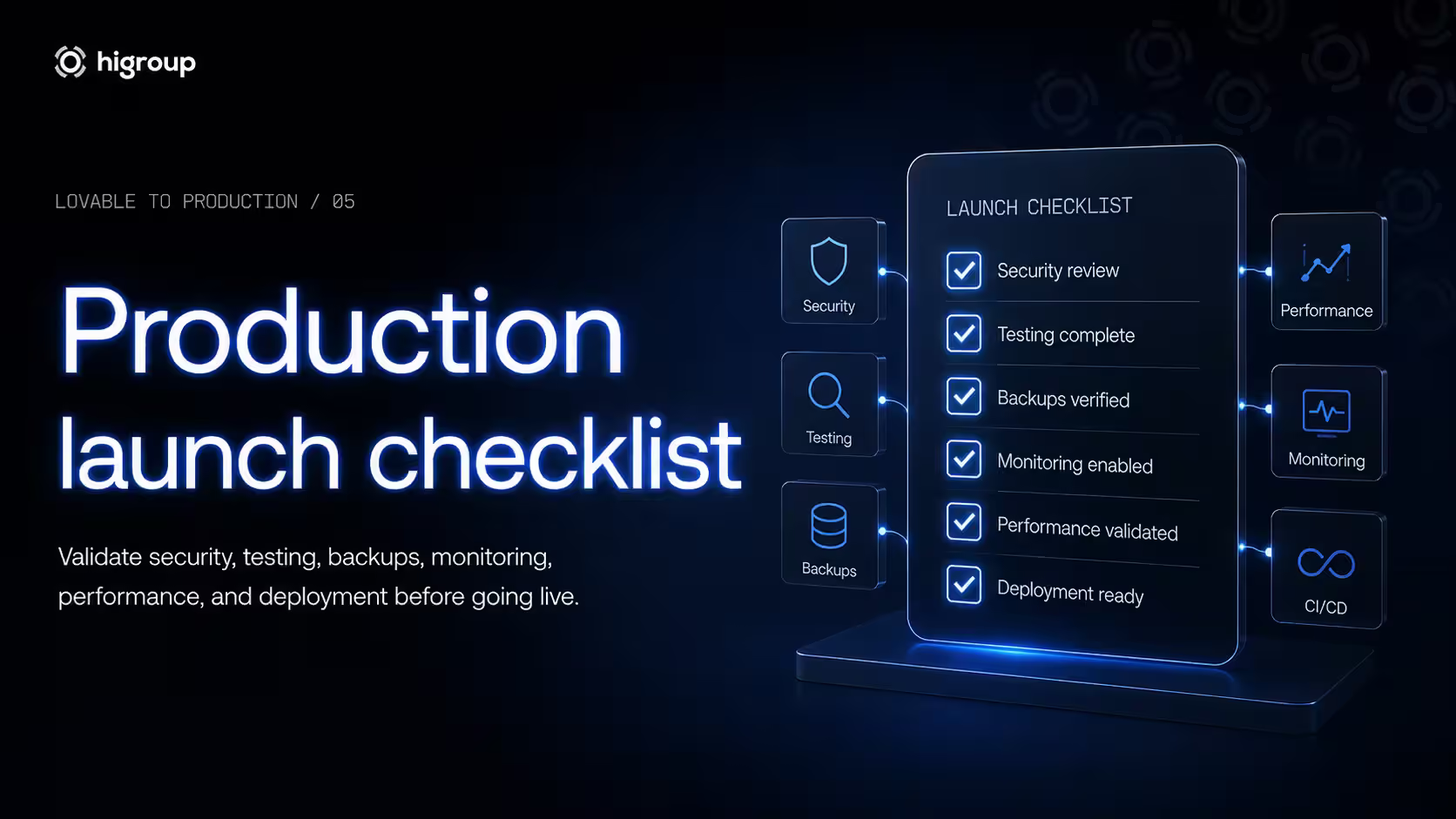
Launching an application is only the beginning. Before inviting real users, it's worth verifying that every critical component has been reviewed.
Prod Checklist
Use the checklist below as a practical pre-launch review before making your application publicly available.
Step | Why it matters | How to verify |
|---|---|---|
Authentication | Prevent unauthorized access and ensure users only access their own accounts. | Review authentication providers, session management, user roles, and password or MFA settings using the Supabase Auth documentation. |
Row Level Security (RLS) | Protect user data at the database level. | Confirm that every exposed table has appropriate RLS policies configured following the Supabase RLS guide. |
Environment variables | Prevent sensitive credentials from being exposed. | Verify that API secrets, service keys, and tokens are stored securely outside the application code using Supabase Functions and environment variables. |
API keys | Client-side secrets can compromise external services and databases. | Run the Security Center and manually verify that no confidential credentials are included in frontend code, following the recommendations of the OWASP API Security Project. |
Monitoring | Detect issues before users report them. | Ensure application health, uptime, and performance metrics are monitored with appropriate alerts. |
Logging | Accelerate debugging and incident response. | Confirm that server logs, authentication events, and application errors are captured without exposing sensitive data. |
Error handling | Prevent failures from leaking technical details to users. | Review user-facing error messages and verify that exceptions are logged securely while sensitive information remains hidden. |
CI/CD | Reduce deployment risks and improve release consistency. | Validate your deployment workflow, staging environment, rollback process, and automated quality checks before each release. |
Database backups | Minimise the impact of accidental data loss or operational incidents. | Confirm that automated backups exist and that restoration procedures have been tested. |
Performance | Slow applications negatively affect user experience and scalability. | Test load times, database queries, API response times, and behaviour under realistic traffic conditions. |
HTTPS | Protect data in transit. | Verify that every production endpoint uses HTTPS with valid TLS certificates. |
Testing | Reduce regressions before launch. | Run functional, integration, and user acceptance tests covering your application's critical workflows. |
Permissions | Limit the impact of compromised accounts or configuration mistakes. | Review database roles, service accounts, and administrative permissions using the principle of least privilege described in the Supabase Security guide. |
Security review | Automated scans cannot identify every risk. | Review findings from the Security Center, manually inspect authentication, infrastructure, business logic, and API access, and compare your application against recommendations from the OWASP Top 10. |
Launch validation | Ensure the production environment matches expectations. | Complete a final end-to-end validation of authentication, permissions, deployment settings, monitoring, backups, and deployment configuration before making the application publicly available through Lovable's publishing workflow. |
Passing every item on this checklist doesn't guarantee that an application is completely risk-free, no production system ever is. What it does provide is confidence that the most common security, infrastructure, and operational gaps have been addressed before launch. By combining Lovable's built-in security capabilities with Supabase's recommended practices and established standards such as the OWASP Top 10, teams can launch with a much stronger base than simply clicking "Publish" and hoping for the best.
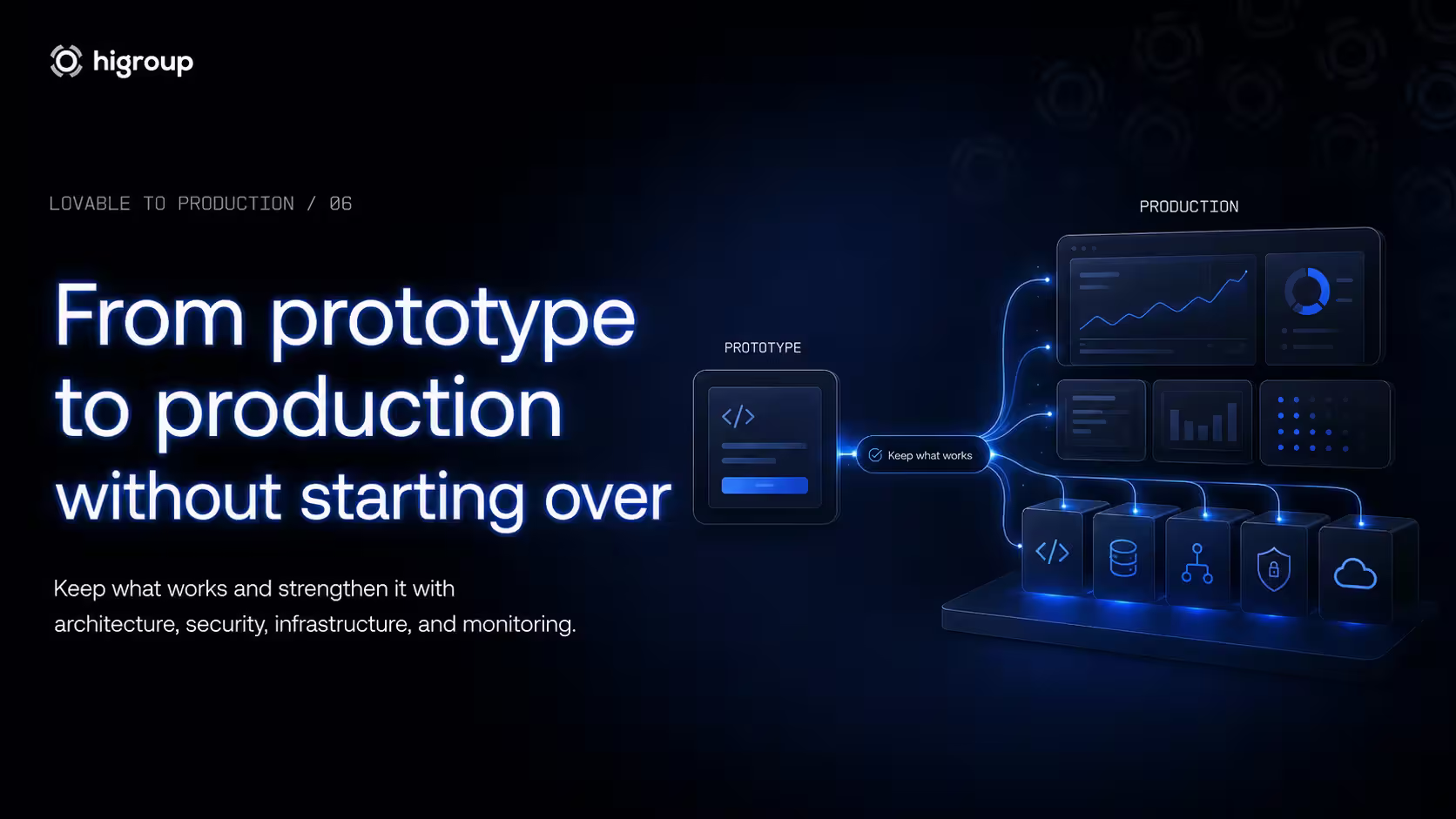
From prototype to production without starting over
A common misconception is that AI-generated applications eventually need to be rebuilt from scratch. In practice, the opposite is often true.
Production readiness isn't about replacing what already works, it's about strengthening what already exists. That means improving the architecture where necessary, hardening security, implementing monitoring, refining deployment processes, and ensuring the application can continue evolving as new users and new requirements emerge. The goal isn't to replace what Lovable generated, but to build on it.
Proto to Prod
For many teams, this transition represents the natural next phase of product development. At this stage, the focus naturally shifts from speed to reliability, scalability, and long-term maintainability.
Once your idea has been validated, the next step isn't starting over. It's transforming your Lovable prototype into a secure, scalable product ready to support real customers. If you're ready to bridge the gap between prototype and production, explore our AI Prototype to MVP service to see how we help founders turn promising AI-generated applications into production-ready products.